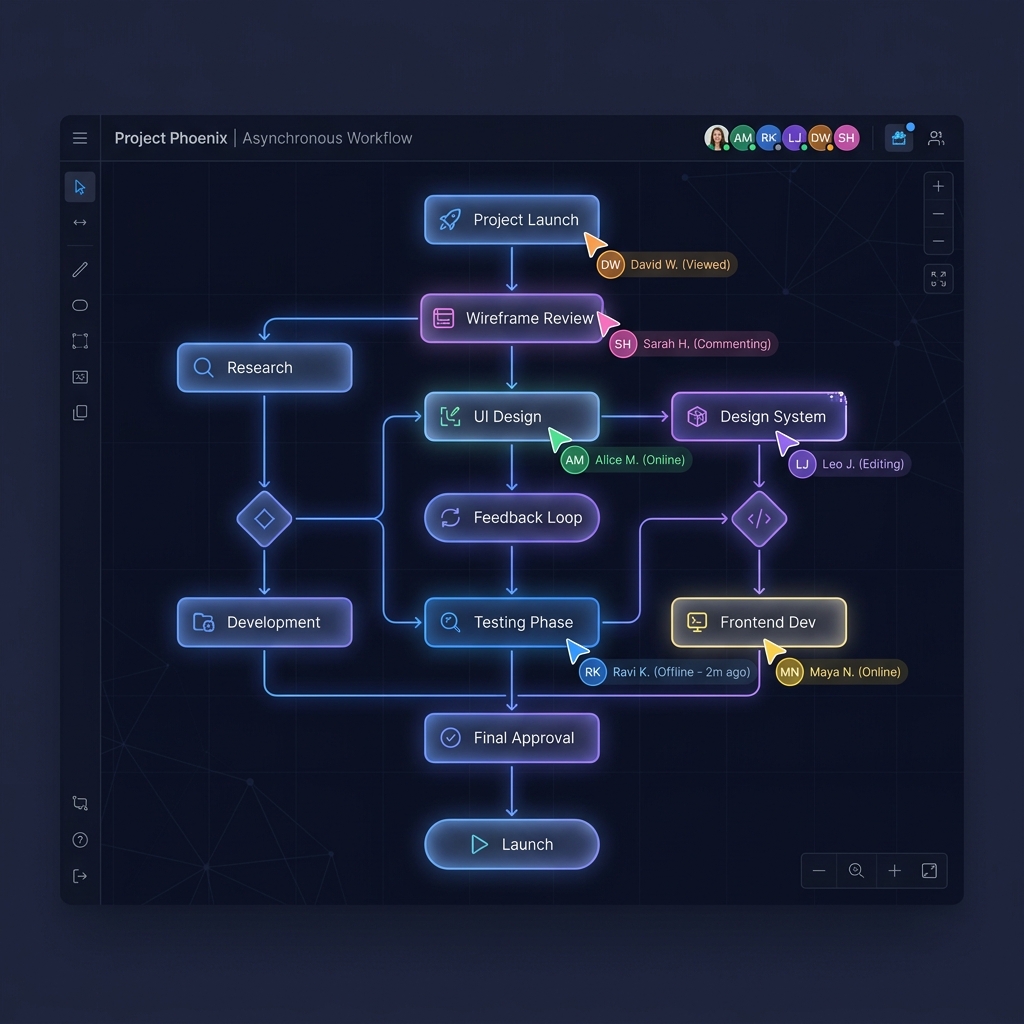
Async Teams Don't Have Bad Communication. They Have Bad Diagrams.
Remote and async teams blame timezone gaps for coordination failures. The real problem is almost always a missing diagram.
By Calvin Magezi
Every async team has had the same experience. Someone writes a long Slack message or a detailed spec document. People read it and nod. Work begins. Three days later, two engineers built different things, a designer is confused about which version is current, and a product manager is rewriting the spec from scratch.
Nobody was being careless. Everyone read the document. The problem was that a document cannot show structure the way a diagram can.
Why text fails async teams
Text is sequential. You read sentence one, then sentence two. You build a mental model as you go, and by the end, you have something like a picture in your head. But everyone builds a slightly different picture.
A diagram is not sequential. You look at it and see the whole structure at once. The relationships between parts are explicit. There is no interpretation required.
For a team working in the same room, this difference is manageable. If two people build different mental models from a text spec, they will talk to each other and correct it quickly. For an async team, that correction might take two days.
The handoff problem
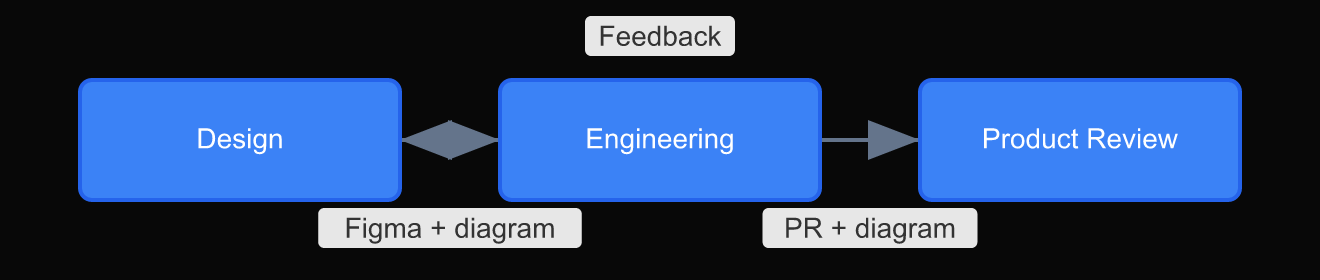
The most common failure mode in async work is the handoff. Designer finishes. Engineer starts. Product manager reviews. Each handoff is a point where a diagram would prevent a misunderstanding.
When the designer delivers only a Figma link and a short description, the engineer has to infer the interaction model. When the engineer delivers only a pull request and a commit message, the product manager has to infer what changed and why.
A diagram at each handoff answers the questions before they are asked:
- What does this component do?
- How does data flow through this screen?
- What states are possible?
- What triggers this transition?
The three diagrams every async team needs
After working with distributed teams for several years, the diagrams that resolve the most confusion are not the elaborate ones. They are three simple types.
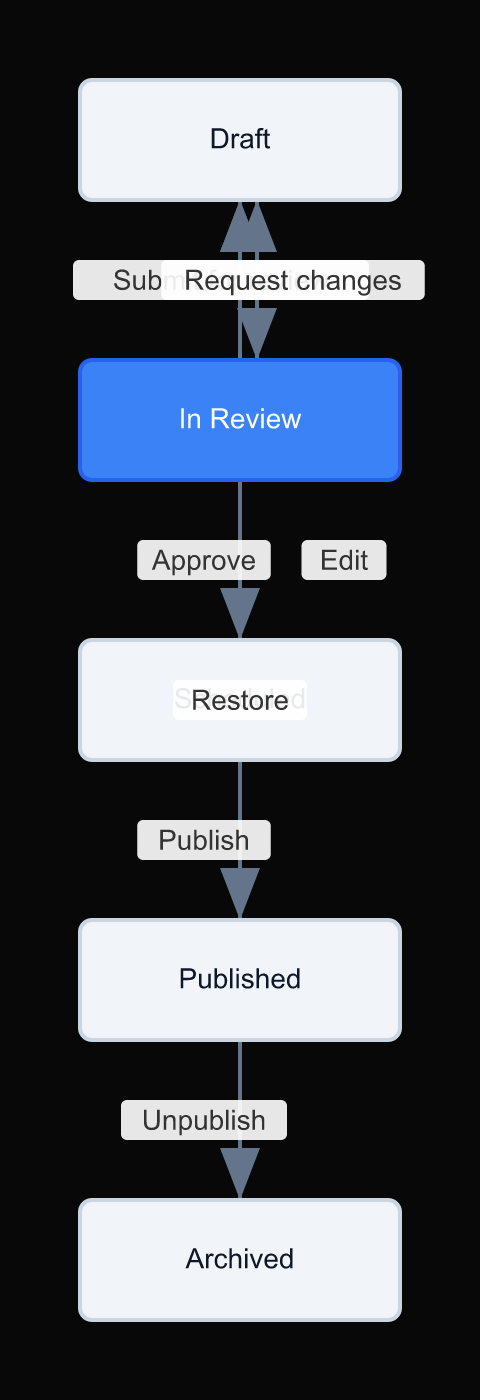
The state diagram. What states can this thing be in? What triggers each transition? A state diagram for a user account, a document, a payment (whatever the core object is) eliminates an entire category of misunderstanding.
The sequence diagram. Who does what, in what order? When does system A call system B? When does the user interact? A sequence diagram answers the questions that a product spec never quite gets right.
The dependency diagram. What needs to be done before what? This is the diagram that makes async planning possible. Without it, work blocks pile up silently and nobody knows why the sprint is behind.
Making diagrams a default, not a task
The reason most teams do not diagram by default is friction. Opening a diagramming tool, setting up the canvas, spending twenty minutes on layout: by the time the diagram is ready, the meeting has happened or the PR is already open.
The solution is to make diagrams cheaper to produce than text. When describing a new feature takes longer to write in prose than to draw, prose becomes the default. When drawing is faster than writing, diagrams become the default.
That is the bet behind DrawIt. If you can describe what you want in a sentence and get a diagram in seconds, the handoff document changes. The spec changes. The way async teams communicate changes.
The signal-to-noise problem in async text
There is a secondary reason text fails async teams that rarely gets named directly: text is easy to produce and hard to parse. Writing a long Slack message feels like communicating. Reading it carefully enough to extract the actual intent takes focus most people do not have during a busy workday.
Diagrams have the opposite property. They are harder to produce and easier to parse. A diagram that takes twenty minutes to make can be understood in thirty seconds. The investment front-loads the effort onto the person with the most context.
In an async team, that is exactly the right trade. The person writing the spec has all the context. The ten people reading it are doing so in brief windows between other work. Shifting the effort from readers to the author is the right optimization.
This is why the handoff diagrams that work best are not rushed. They are made carefully, reviewed for completeness, and treated as the primary artifact rather than an attachment to the real communication. When the diagram is the primary artifact, the text becomes a caption. That is the goal.
Starting small
You do not need to diagram everything. Start with the next handoff you are part of. Before you write the description, ask: is there a diagram that would make this obvious?
If the answer is yes, make that diagram first. Send the diagram with one paragraph of context. Watch how many fewer follow-up questions you get.
That is the shift. From text with occasional diagrams, to diagrams with occasional text.