From Thoughts to Form
Co-Create with AI
Transform your ideas into stunning visuals. From illustrations and infographics to UI designs and technical diagrams — turn your thoughts into reality with Chamuka DrawIt.
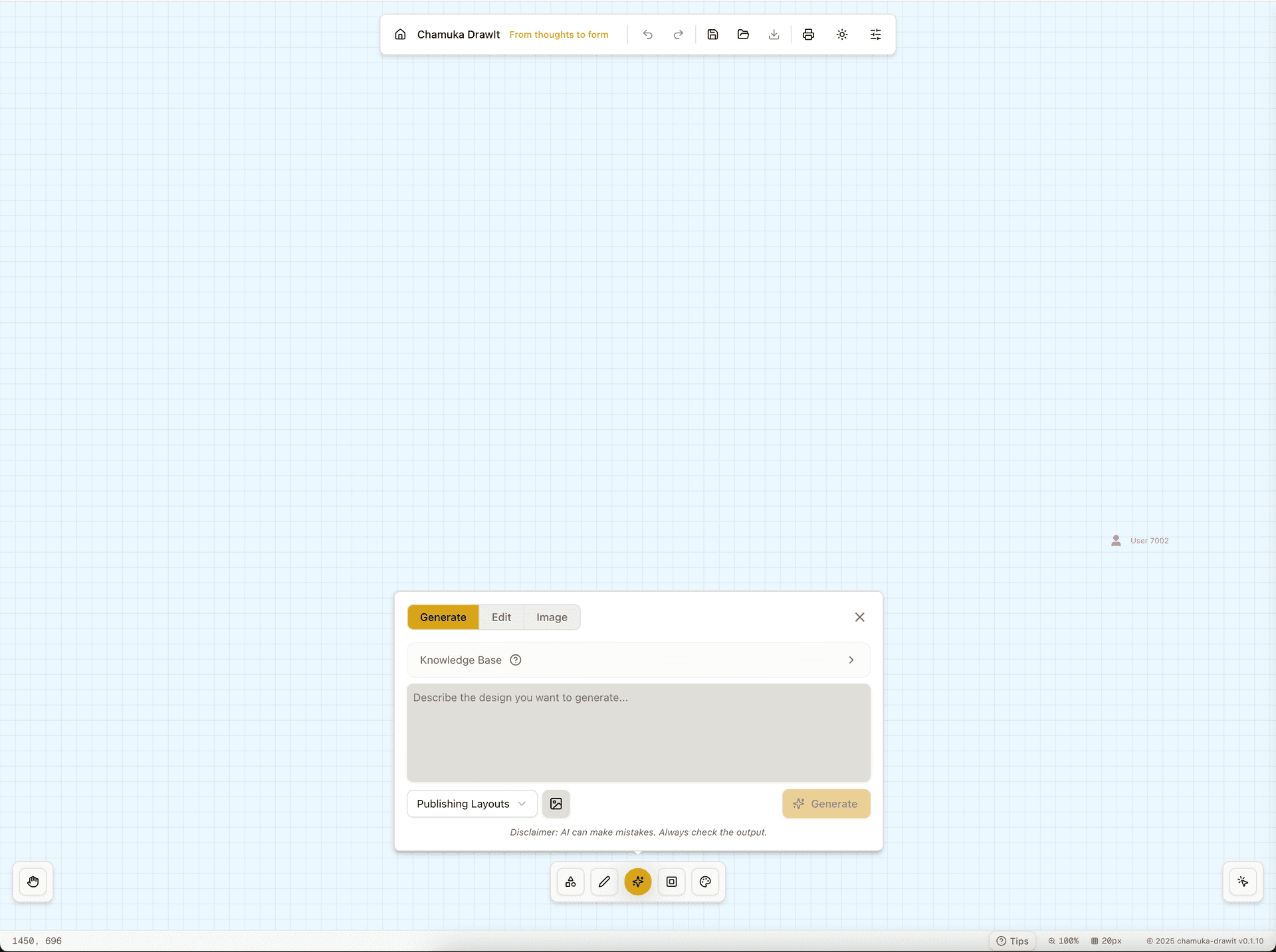

Create Professional Designs in 3 Simple Steps
From concept to completion, our AI-powered design tool makes professional design accessible to everyone.
Describe Your Vision
Tell our AI what you want to create using simple text descriptions. Be as detailed or as brief as you like.
AI Generates Your Design
Our advanced AI creates professional-quality visuals based on your description, ready for customization.
Edit & Export
Fine-tune your design with our intuitive tools, then export in your preferred format (PNG, SVG, or .drawit).
Create a Variety of Visuals
From simple sketches to complex diagrams, turn your concepts into reality.
Illustrations & Art
Craft beautiful illustrations and artwork from your creative ideas.
Infographics
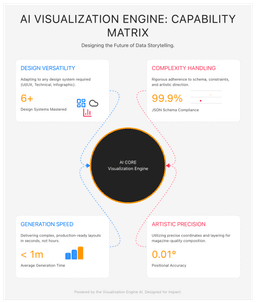
Turn complex data into clear, compelling visual stories.
UI/UX Design
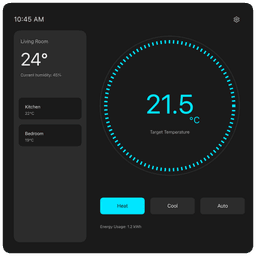
Build modern user interfaces, wireframes, and prototypes.
Slides & Presentations
Develop engaging presentation slides with professional layouts.
Publishing & Print
Craft layouts for books, magazines, brochures, and print materials.
Technical Diagrams
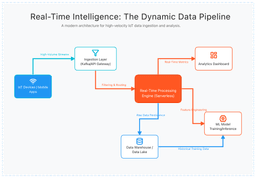
Map out system architectures, flowcharts, and technical diagrams.
Everything You Need to Realize Your Vision
From AI-powered generation to various export options.
AI-Powered Generation
Describe your vision in plain text and watch AI generate visuals instantly. Every output is fully editable.
Intuitive Design Canvas
Drag, drop, resize, and connect elements with ease. Feels natural to use.
Cross-Platform Ready
Works seamlessly on desktop, tablet, and mobile with touch-friendly interface.
Multiple Export Formats
Export your work as PNG, SVG, or save as .drawit files for presentations and web.
Team Collaboration
Share work easily with your team. Save and load functionality ensures accessibility.
You're in Control
AI assists, you decide. Every AI-generated element is fully editable with you in control.
Perfect for Professionals and Small Businesses
From marketing teams to software developers, Chamuka DrawIt adapts to your workflow.
Marketing Teams
Develop compelling infographics, social media visuals, and marketing materials.
UX/UI Designers
Wireframe and prototype user interfaces with polished components.
Software Architects
Map and document complex system architectures and technical flows.
Content Creators
Craft engaging presentations, illustrations, and visual content.
Everything You Need to Know About Chamuka DrawIt
Get answers to common questions about our AI-powered design tool.
What is Chamuka DrawIt?
Chamuka DrawIt is an AI-powered design tool that transforms your ideas into stunning visuals. Create illustrations, infographics, UI designs, presentations, and technical diagrams with AI assistance.
Is Chamuka DrawIt free to use?
Yes! Chamuka DrawIt offers free daily credits for everyone to get started. For power users who need more capacity, we offer subscription plans with additional credits and premium features.
What file formats can I export my designs in?
You can export your designs in multiple formats including PNG, SVG, and save as .drawit files for presentations and web use.
Can I collaborate with my team on designs?
Yes, Chamuka DrawIt supports team collaboration. You can easily share your work with team members and save/load designs for accessibility.
What types of designs can I create?
You can create illustrations, infographics, UI/UX designs, presentation slides, technical diagrams, and publishing layouts for books, magazines, and brochures.
Do I need design experience to use Chamuka DrawIt?
No design experience required! Our AI-powered tool is designed for everyone, from beginners to professional designers. Simply describe what you want, and our AI will create it for you.
Ready to Transform Your Creative Workflow?
Start building your designs with the AI-powered 2D canvas and its intuitive capabilities.